> For the complete documentation index, see [llms.txt](https://docs.hodlify.io/llms.txt). Markdown versions of documentation pages are available by appending `.md` to page URLs; this page is available as [Markdown](https://docs.hodlify.io/step-by-step-guide/deposit-token.md).
# Deposit Token
1. Select the network you prefer. (In the official version, you can simply deposit USDC regardless of the network.)
2. Prepare your desired amount of tokens, such as USDC in this example.
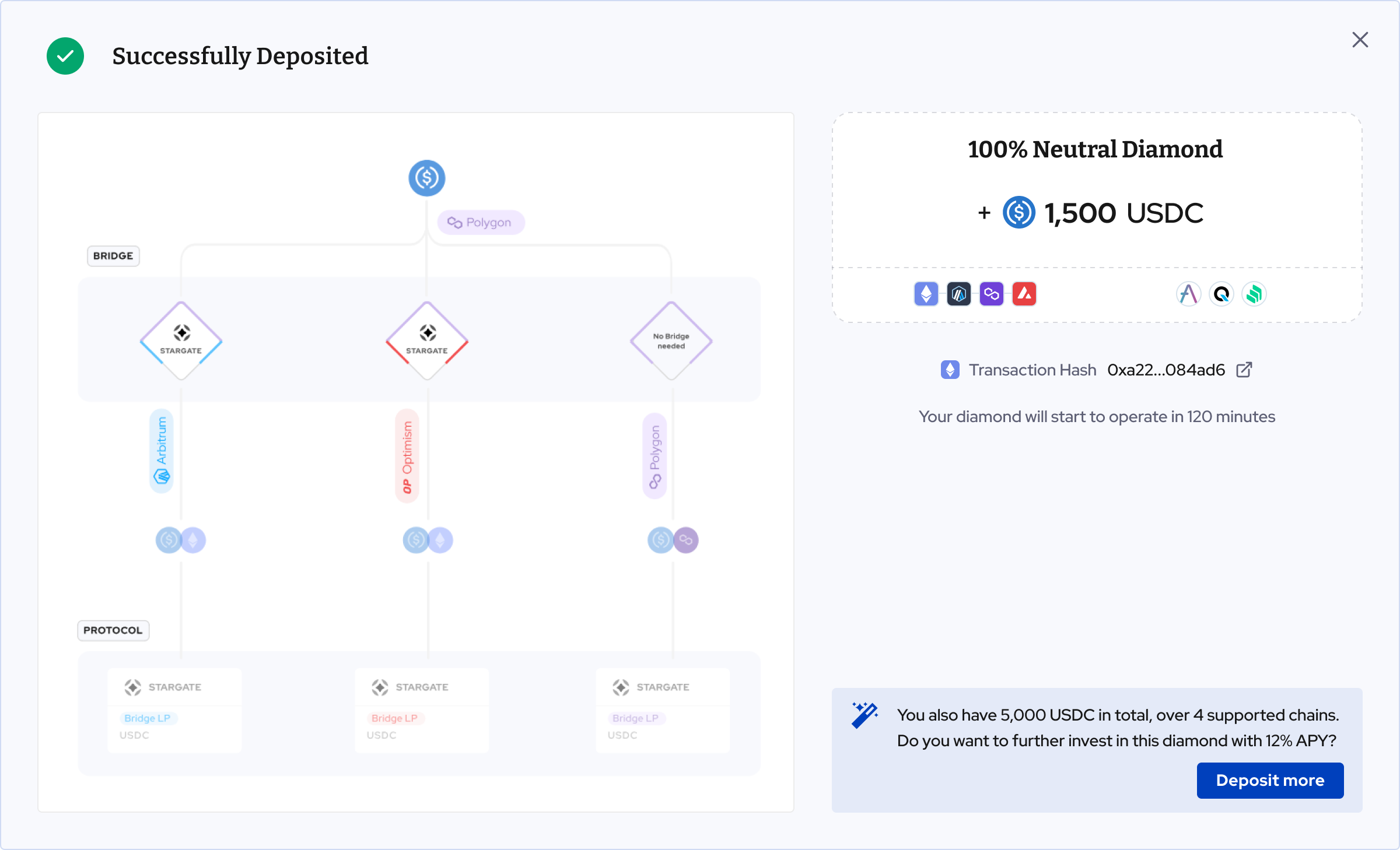
3. Take a look at the deposit flow in the animation chart on the left. Essentially, the Diamond vault contract will allocate the USDC to different chains and protocols.
4. Check the estimated return and costs.
5. Confirm the amount and approve the transactions.